
PamStealer Infostealer Targets Maccy Users With Fake Maccy Files And PAM Password Validation
Key Takeaways
- PamStealer disguises as Maccy clipboard manager to harvest data.
- Verifies Mac login passwords before exfiltrating sensitive data.
- AppleScript-based delivery delivers the second-stage payload.
PamStealer targets Maccy
Jamf Threat Labs has documented a macOS infostealer called PamStealer that targets users of the third-party clipboard manager Maccy by distributing fake Maccy files through malicious websites that impersonate the real maccy.app site.
“Jamf Threat Labs has published a report about PamStealer, a macOS infostealer”
Macworld reports that Jamf Threat Labs identified PamStealer as malware delivered via fake websites distributing malicious AppleScript files, with the fake files described as Maccy.scpt AppleScript files made to look like legitimate installer files and distributed on disk images.

Ars Technica says the malware is named PamStealer because the Rust-written infostealer uses the Pluggable Authentication Modules interface built into macOS to validate the target’s login password before sending it to an attacker-controlled server.
AppleInsider adds that PamStealer disguises itself as the Maccy clipboard manager and uses AppleScript alongside a Rust payload to infect Macs, with Jamf finding that it verifies login passwords through Apple's Pluggable Authentication Modules before stealing additional data.
Quieter chain, credential checks
Ars Technica describes a “quieter execution chain” in which the AppleScript executes a self-contained JavaScript for Automation (JXA) downloader that retrieves and stages the payload using native Objective-C APIs.
The same Ars Technica account says PamStealer’s password capture workflow “validates credentials locally through PAM,” and then the Rust-based second stage masquerades as Finder, encrypts its command-and-control traffic, and holds back prompts like the Full Disk Access request for as long as forty minutes.
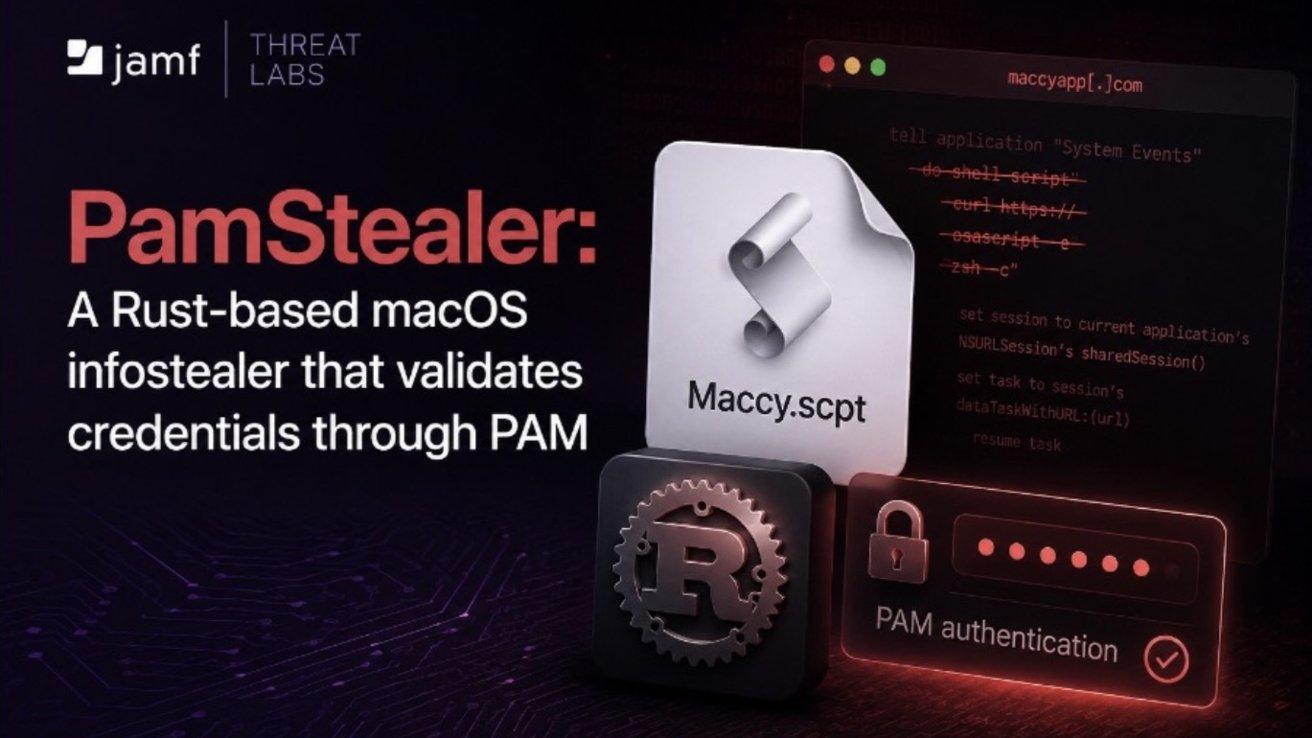
AppleInsider says PamStealer displays what appears to be a legitimate macOS authorization prompt asking the user to enter a password so Maccy can make changes, but instead of just recording what the victim types, it validates the password through Apple's Pluggable Authentication Modules before continuing.
Apple World Today likewise frames the attack as a two-stage chain that “silently harvest data and clipboard contents while evading detection,” with the malware’s second stage encrypting command-and-control traffic and delaying the Full Disk Access prompt.
What it steals and next steps
After validating credentials, AppleInsider says the second-stage Rust payload collects browser cookies, browsing history, saved credentials, SQLite databases, clipboard contents and cryptocurrency wallet data, and it encrypts stolen information before transmitting it to command-and-control infrastructure.
“Researchers have found a never-before-seen piece of macOS malware that combines a series of clever tradecraft to infect Macs with stealthy, custom-developed credential-stealing code”
AppleInsider also says PamStealer creates login items through both modern and legacy macOS mechanisms so it relaunches automatically after a user signs in, while it impersonates Finder while attempting to convince victims to grant Full Disk Access.
Macworld advises that to avoid downloading the malicious files, Maccy customers should make sure they are visiting the maccy.app website, where a disclaimer states “maccy.app is the only official website.”
Ars Technica concludes that PamStealer depends on users downloading software from an untrusted source and approving multiple prompts before the malware can complete its attack, and it urges users to be skeptical of unexpected administrator password prompts and avoid unnecessary Full Disk Access requests.
More on Technology and Science

Heat Dome Traps More Than Half of the U.S. Through Fourth of July Weekend
13 sources compared

OpenAI Seeks 5% US Government Stake in ChatGPT Developer Amid Trump Administration Pressure
17 sources compared

Microsoft Launches $2.5 Billion Frontier Company With 6,000 AI Engineers for Enterprise Deployments
12 sources compared

Anthropic Talks With Samsung to Manufacture Custom AI Chip for Claude
13 sources compared