Technology and Science10 September, 20262 min read
Android Now Lets Users Securely Transfer Passwords And Passkeys Between Managers
This article is an automated aggregation of coverage from news outlets. Our editorials offer in-depth analysis curated by the NewsCord team.
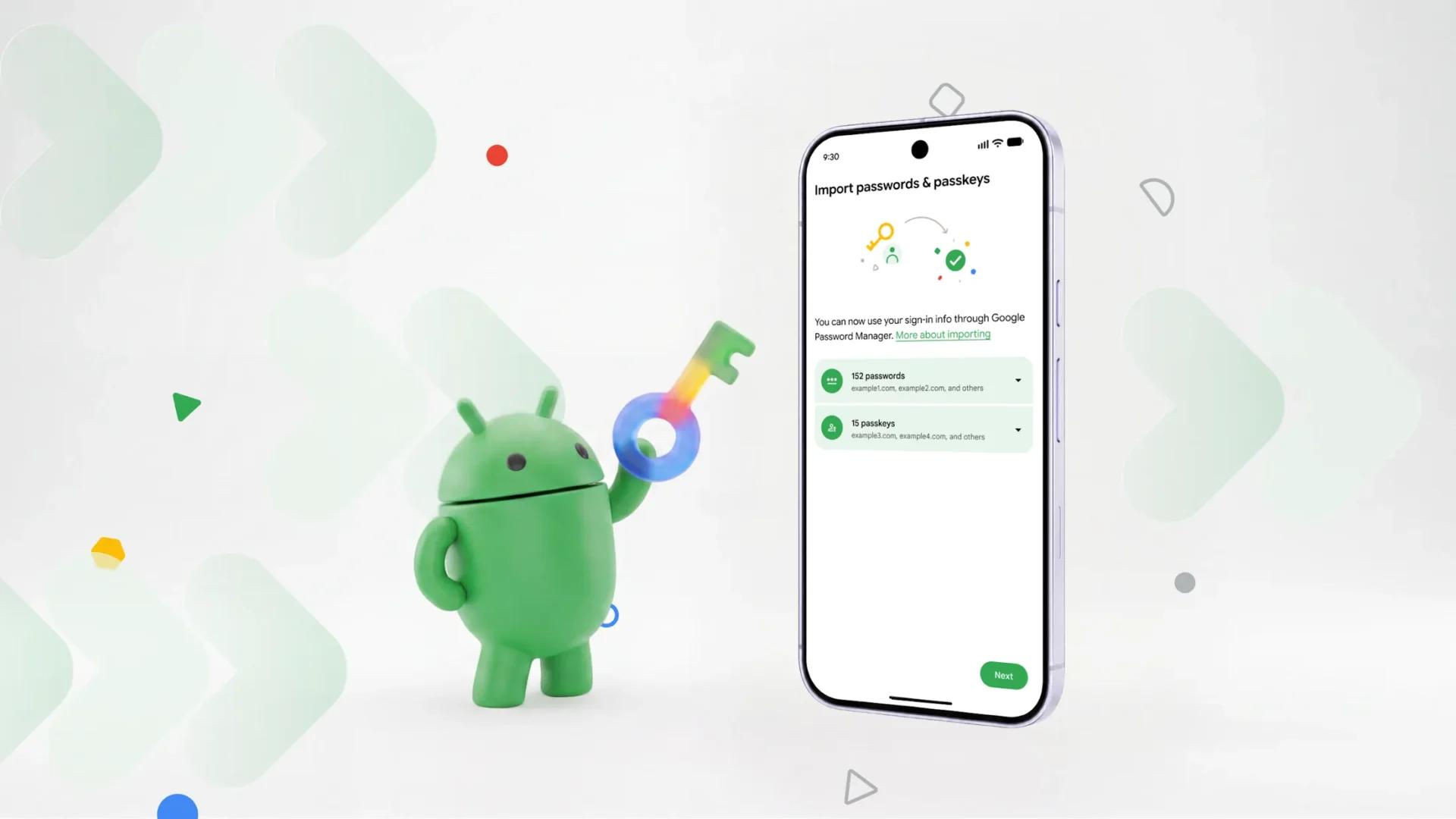
Android provides a system-level transfer of passwords and passkeys between credential managers. No file downloads are required; data moves between apps in seconds.
6 outlets told this the same way.
Android transfer without files
Google says Android now offers a system-level experience that lets users safely move passwords and passkeys between password managers in just a few clicks, with “no file downloads required.” The process starts inside the new password manager app by choosing an option to import or copy passwords and passkeys from another provider, after which “the password manager will then hand the task over to Android.” Google contrasts the new approach with the past, when moving passwords meant downloading them into “an unencrypted text file,” leaving them unprotected on the device.
Google also says passkeys “could not be transferred at all” before, forcing people to recreate them across multiple sites and apps. The transfer experience is described as quickly and securely moving data between apps in “just a few seconds.”

How the handoff works
In Google’s description, Android “will automatically detect existing password managers on your device and show you which you can import from.” After the user taps “Continue,” Android brings the user back to the existing password manager to select, review, and authorize what moves. Google says the data transfer is coordinated by Android and happens “between the apps in just a few seconds.”
Help Net Security adds that the feature is triggered from inside the app you are switching to, and that Google says the data moves “in a few seconds” with no file to download along the way. Help Net Security also notes that Google does not say which Android versions carry the feature or what protects the credentials during the handoff beyond calling it secure.

Supported managers and limits
At launch, the transfer flow is supported by four managers: Google Password Manager, 1Password, Bitwarden Password Manager, and Dashlane. Google says “more partners” are expected to follow, and 9to5Google adds that other partners can participate by supporting the Credential Manager’s Credentials Transfer API. 9to5Google frames the change as an operating system-backed method that avoids the earlier need to download “an unencrypted text file” and the earlier lack of a passkey transfer method.
Droid Life says the system works when users decide to transfer to a new password manager and choose the option to import or copy passwords and passkeys from another provider, with Android then taking over to securely move things around. Help Net Security adds a key limitation: if a user’s manager is not one of the four supported apps, the switch still starts with the export button, and “your passkeys stay where they are.”